
Rank Higher on LinkedIn!

Optimize Your LinkedIn Profile
with LinkedIn Profile Checker ✅

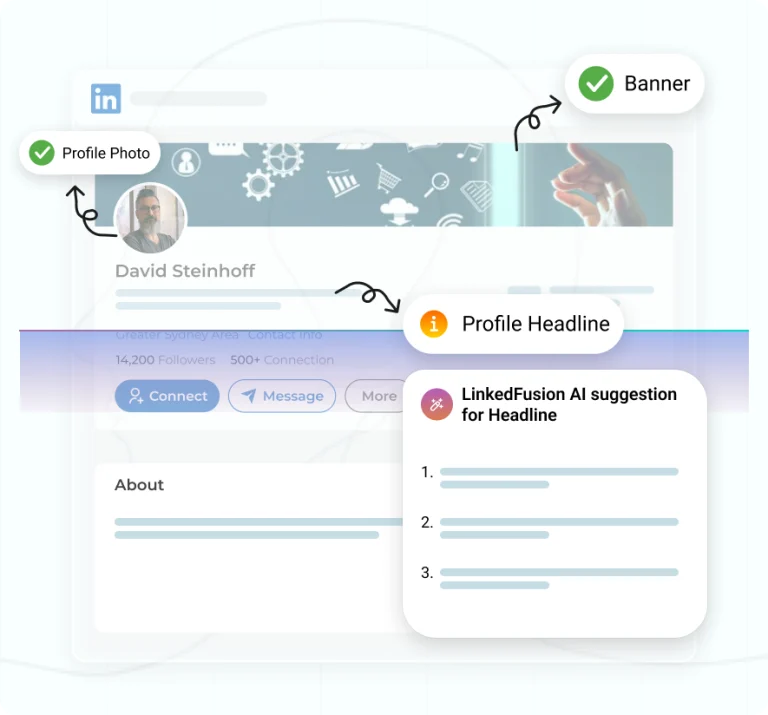
Take advantage of LinkedFusion’s free AI-powered LinkedIn Profile Checker and Optimization tool for linkedin optimization through ai for free to enhance your LinkedIn profiles. Simply put your LinkedIn profile URL and email to receive tailored tips. Boost your visibility on LinkedIn, attract the right audience, and generate up to 10x more leads for jobs, business opportunities, and networking. Optimize the key areas in your profile headline, summary, and use right keywords to stand out in B2B outreach and improve your SSI score. The secret lies in LinkedIn profile optimization—a process that ensures every section of your profile works for you, not against you. And guess what? Tools like LinkedFusion can amplify your efforts, taking your LinkedIn game from “good” to “unmissable.”

Why Does LinkedIn Profile Optimization Matter?

Think of your LinkedIn profile as your professional storefront. It needs to attract attention and spark interest at a glance.

  1. 80% of recruiters use LinkedIn to find talent.
  2. Optimized profiles appear higher in search results, increasing your visibility.
  3. A great profile attracts not just job opportunities but meaningful connections.

In short, your LinkedIn profile could be your ticket to the career growth or network expansion you’ve been dreaming of.

How to Optimize Your LinkedIn Profile Like a Pro

Let’s get into actionable tips that will help you turn your profile into a recruiter magnet.

1. Start with Your Profile Photo

Let’s get into actionable tips that will help you turn your profile into a recruiter magnet.

2. Write an Attention-Grabbing Headline

Your headline is prime real estate—use it wisely. Instead of just your job title, write something impactful:

“Helping Businesses Achieve 3x ROI through Marketing Automation | Content Strategist”

This makes you memorable and helps recruiters find you when they search for terms like “LinkedIn profile optimization” or “job title.”

3. Craft a Powerful Summary

Your summary is your story. Highlight who you are, what you do, and how you add value. Use keywords like “optimize your LinkedIn profile” and “LinkedIn optimization tips” naturally.

Example:
“I specialize in helping businesses optimize their LinkedIn profiles to attract more recruiters and opportunities. With expertise in automation tools like LinkedFusion, I make professional networking seamless.”

4. Optimize Every Section of Your Profile

Experience: Use bullet points and focus on results. For instance, “Increased engagement by 45% through optimized LinkedIn strategies.”

Skills & Endorsements: Add industry-relevant skills and keep them updated. Skills like “profile optimization”and “LinkedIn marketing” are recruiter favorites.

Education & Certifications: Don’t leave these blank; they add credibility.

5. Use Tools Like LinkedFusion for Networking

Here’s where LinkedFusion comes into play.

Imagine spending hours manually connecting with people, following up, and keeping track of who’s responded. LinkedFusion simplifies this for you by automating these tasks without compromising the personal touch.

What Can LinkedFusion Do?

  1. Automate connection requests and follow-ups.
  2. Personalize messages based on profile data.
  3. Help you grow your network without violating LinkedIn’s rules.

With LinkedFusion, you can focus on building relationships while the tool works in the background, ensuring your LinkedIn optimization efforts pay off.

6. Polish Your Profile Headline and Summary for SEO

LinkedIn works like a search engine. To boost your profile visibility, sprinkle in relevant keywords:

  1. LinkedIn profile optimization
  2. Optimize your LinkedIn profile
  3. LinkedIn optimization tool
  4. Job search tips

These terms make your profile pop up in recruiter searches.

7. Add Recommendations

Social proof works wonders. Reach out to past colleagues or clients for recommendations. They don’t just boost your credibility—they also improve your profile score.

Best LinkedIn Profile Optimization Tool Tips to Get Noticed

Looking professional on LinkedIn will do the magic for them. But that’s not true! An optimized LinkedIn profile works for you and gives you the result that you aim for—it can range from building a brand, landing a customer, or finding your dream job.

LinkedFusion’s AI-backed Profile Checker go to your profile and suggest LinkedIn optimization based on analysis of your LinkedIn headline to how you have written words in your profile. Get the best step-by-step guide to grow your LinkedIn network and get your LinkedIn to the next level. A better LinkedIn profile helps people find your profile easily, build your personal brand, rank higher in LinkedIn searches, and help recruiters find you on LinkedIn better.

The tool will identify critical issues on your profile that you can fix to get more potential opportunities on your personal profile. Get personalized feedback and an ultimate guide of actionable tips to win profile page on the platform. Rank higher on LinkedIn searches to get more leads, job offers, or run outreach campaigns.

LinkedIn Profile Optimization Tool

Areas to Optimize Your LinkedIn Profile Checker

An optimized LinkedIn profile is essential to boosting your career, generating leads, or running a successful outreach campaign. LinkedFusion provides a free tool called LinkedIn Profile Checker that analyzes your LinkedIn profile so that you can analyze your profile and utilize the full potential of your profile.

The LinkedIn optimization tool will gives you a step-by-step review of your profile and identifies the sections that need improvement. Get the best LinkedIn profile optimization tips directly in your mailbox.

The analysis is not restricted to the sections of your LinkedIn Profile photo; other sections, like keyword analysis, adding the right keyword, and networking, help you further enhance your outreach to attract more potential leads and prospects.

Don’t miss the opportunity to utilize the tool and effectively network with your leads, companies and customers.
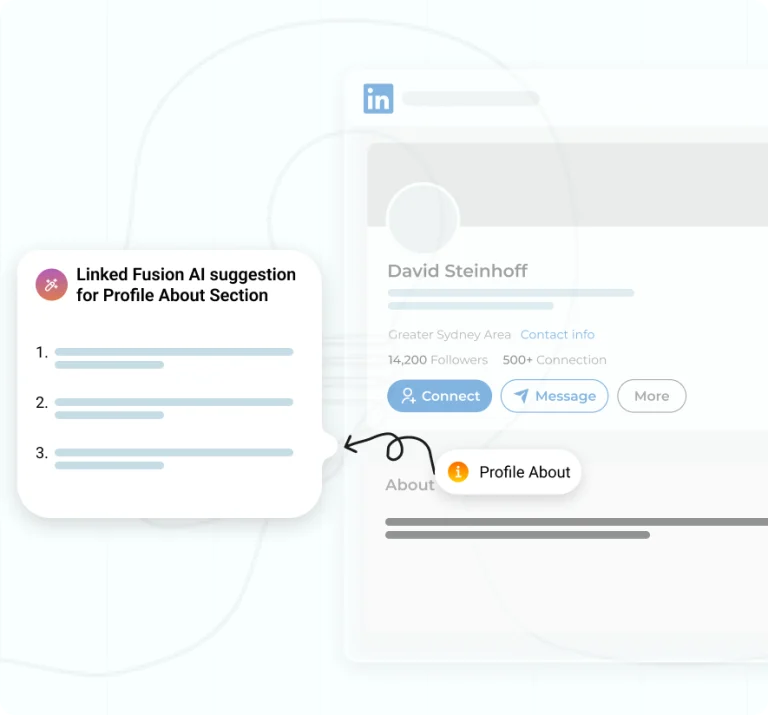
Profile HeadLine

Profile Summary

Work experience

Profile Picture

Background image

Areas to Optimize Your LinkedIn Profile Checker

An optimized LinkedIn profile is essential to boosting your career, generating leads, or running a successful outreach campaign. LinkedFusion provides a free tool called LinkedIn Profile Checker that analyzes your LinkedIn profile so that you can analyze your profile and utilize the full potential of your profile.

The LinkedIn optimization tool will gives you a step-by-step review of your profile and identifies the sections that need improvement. Get the best LinkedIn profile optimization tips directly in your mailbox.

The analysis is not restricted to the sections of your LinkedIn Profile photo; other sections, like keyword analysis, adding the right keyword, and networking, help you further enhance your outreach to attract more potential leads and prospects.

Don’t miss the opportunity to utilize the tool and effectively network with your leads, companies and customers.

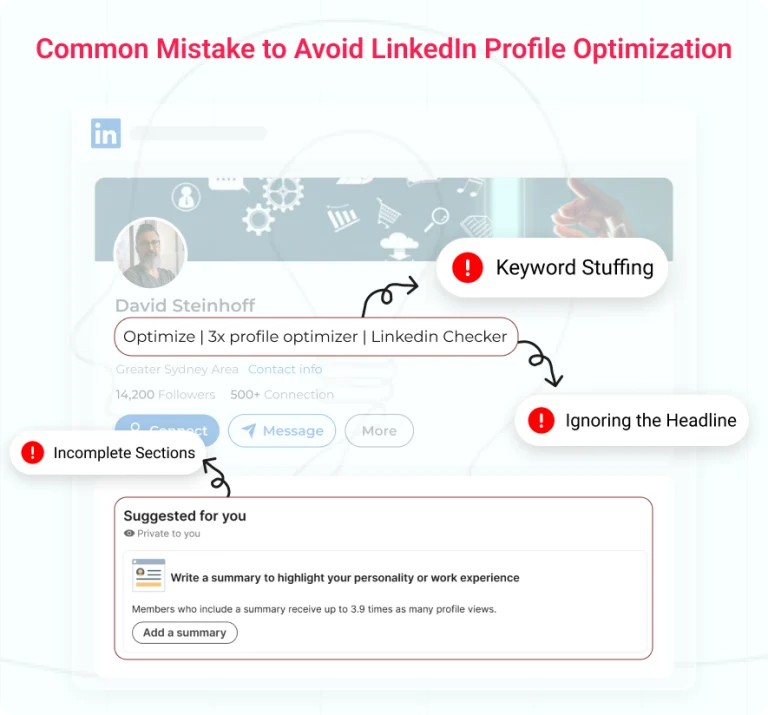
Common Mistakes to Avoid During LinkedIn Profile Optimization

Even the best profiles can go unnoticed if you make these errors:

  1. Keyword Stuffing: Overusing terms like “LinkedIn profile optimization” makes your profile look spammy. Instead, focus on natural placements.
  2. Incomplete Sections: Recruiters won’t stay long if key details are missing.
  3. Ignoring the Headline: Without an optimized headline, you’re missing out on valuable clicks.
LinkedIn Profile Checker

Why LinkedFusion Complements LinkedIn Profile Optimization

LinkedIn profile optimization and networking go hand in hand. While your optimized profile brings recruiters to your doorstep, LinkedFusion helps you connect with them seamlessly.

It’s not just a tool—it’s your partner in achieving career success. Whether you’re looking for a job, promoting your brand, or building a strong professional network, LinkedFusion ensures your efforts don’t go unnoticed.

Final Thoughts

By following these optimization tips and leveraging tools like LinkedFusion, you can boost your visibility, attract recruiters, and unlock opportunities you didn’t think possible. Ready to optimize your LinkedIn profile and take your career to new heights?

Start today and let LinkedFusion do the heavy lifting for you.

Frequently Asked Question

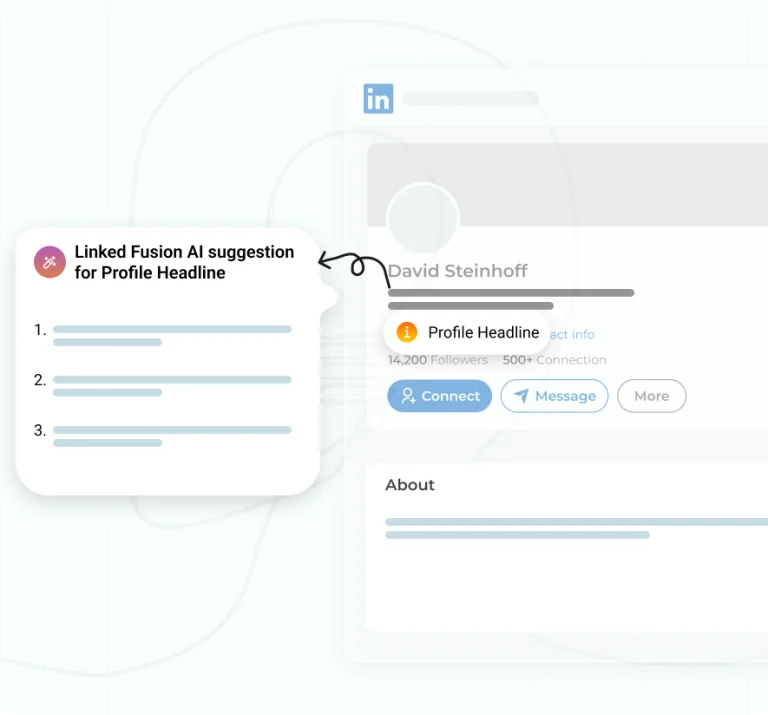
Your headline is one of the most visible parts of your profile and should showcase your skills and current position. To optimize your headline:

• Use relevant keywords for the roles you’re targeting (e.g., “Experienced Marketing Manager | Content Strategist | SEO Expert”).
• Make it specific and value-driven to attract recruiters and hiring managers.
• Highlight your niche or unique selling points to increase your chances of landing your dream job.

Example: “Career Coach Helping Professionals Optimize LinkedIn Profiles and Land Dream Jobs.”

The summary is your opportunity to tell your story in a way that aligns your profile with your career goals.

• Start with a compelling opening statement that captures your skills and achievements.
• Use bullet points to list specific accomplishments or skills.
• Incorporate keywords like “search engine optimization,” “hiring manager,” or “job opportunities” to boost visibility in recruiter searches.
• End with a call-to-action, such as inviting profile visitors to connect or view your portfolio.

Pro Tip: A well-written summary can help you grow your professional network and attract recruiters who use LinkedIn as a platform to search for talent.

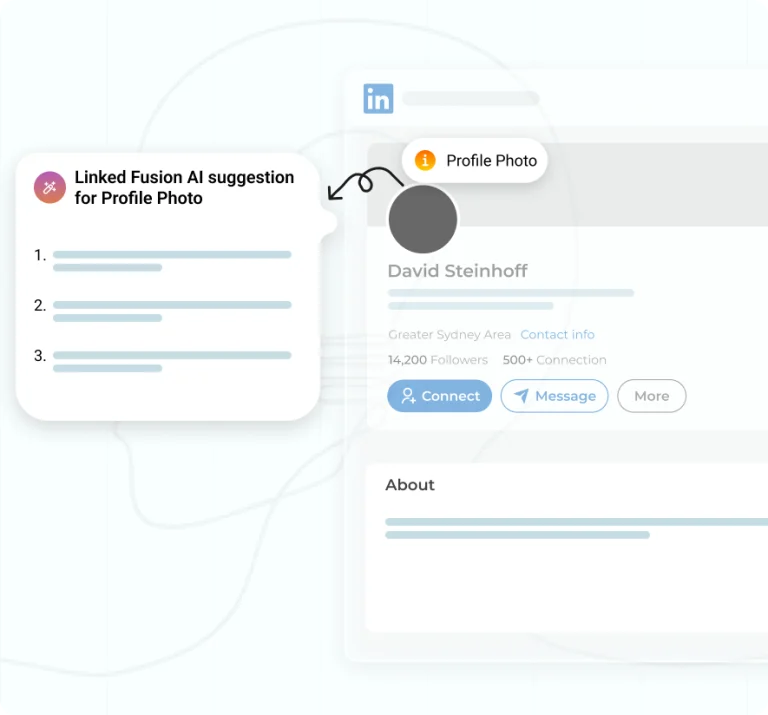
Your profile picture is the first impression people see on LinkedIn. Follow these tips to make it professional:

• Use a clear, high-resolution image where your face is centered.
• Dress in attire that matches the expectations of your industry.
• Ensure the background is simple and uncluttered.

Remember: A great LinkedIn profile picture can help you stand out and increase visibility to recruiters.

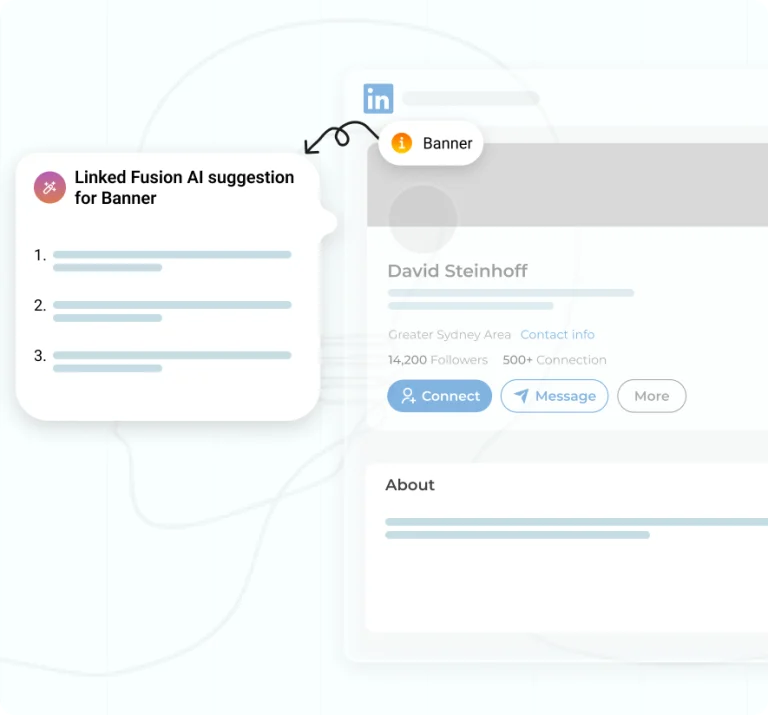
Your banner image should complement your profile and highlight your professional brand.

• Use an image that reflects your industry, such as a workspace, corporate skyline, or creative design.
• Ensure the image isn’t distracting but adds a touch of professionalism.
• Align the banner with your headline and summary to create a cohesive profile.

To make your LinkedIn profile recruiter-friendly:

1. Update all sections of your profile, including your current position, skills, and experience.
2. Use relevant keywords throughout your profile to increase visibility in recruiter searches.
3. Highlight measurable achievements using bullet points in your work experience section.
4. Request recommendations from colleagues to build credibility.
5. Make sure your profile is public to maximize reach.

Recruiters use LinkedIn to search for candidates, so an optimized profile increases your chances of being discovered.

To increase profile views:

• Stay active on LinkedIn by sharing updates, commenting on posts, and engaging with others.
• Write thoughtful articles or posts that showcase your expertise.
• Join relevant LinkedIn groups to expand your network.
• Use a professional profile picture and headline that captures attention.

By making your LinkedIn profile stand out, you can attract both recruiters and potential collaborators.

You should update your LinkedIn profile regularly to keep it aligned with your current role and career goals.

• Review your profile every 3-6 months to ensure all information is up-to-date.
• Add new skills, certifications, or achievements as they happen.
• Regular updates signal to recruiters that you are active on LinkedIn and serious about your professional growth.

Networking on LinkedIn is a great way to build professional relationships and expand your reach. Here’s how:

• Optimize your profile with relevant keywords to make it more discoverable.
• Engage with LinkedIn members by commenting on posts and joining industry-specific groups.
• Send personalized connection requests to people viewing your profile or those who align with your career goals.
• Use the LinkedIn mobile app to network on the go and respond promptly to messages.
• Participate in discussions to showcase your expertise and make yourself stand out.

LinkedIn is a top platform for job seekers, and a well-maintained profile can help you stand out to recruiters.

• Update your profile regularly, ensuring that every section of your profile aligns with your desired roles.
• Use LinkedIn’s Job Description insights to match your skills with the requirements of open positions.
• Enable LinkedIn Recruiter visibility to signal that you’re open to opportunities.
• Share relevant content and engage with posts from companies you’re interested in.
• Tailor your LinkedIn URL to make your profile easier for hiring managers to find.

LinkedIn is the ideal platform for showcasing your expertise and building a recognizable personal brand.

• Create a profile that highlights your unique value and skills.
• Share original posts, articles, or insights that reflect your expertise in the industry.
• Use a profile with relevant keywords to increase visibility and attractiveness to recruiters and industry peers.
• Update your headline and summary to position yourself as a thought leader.
• Leverage every section of your profile, from the banner image to skills endorsements, to reinforce your brand identity.

For entrepreneurs and sales professionals, LinkedIn is a platform to increase visibility and generate leads.

• Use the LinkedIn mobile app to stay active and engage with potential clients in real-time.
• Share content that demonstrates how your product or service solves problems.
• Reach out to people viewing your profile or interacting with your posts.
• Update your profile to reflect your current offerings and add a clear call-to-action.
• Build trust by sharing testimonials or case studies in your LinkedIn section updates.

Staying updated on industry trends is critical for professional growth, and LinkedIn is a great way to achieve this.

• Follow influential leaders and companies relevant to your field to get timely insights.
• Engage with LinkedIn posts and articles to stay informed about the latest developments.
• Use the LinkedIn profile in 2024 to highlight your expertise in trending skills or technologies.
• Join LinkedIn groups tailored to your industry to participate in conversations and gain valuable knowledge.
• Regular updates to your profile can help you optimize your presence while staying aligned with evolving industry expectations.

Tracking your profile score and engagement metrics is essential for understanding your LinkedIn performance.

• Use LinkedIn’s profile score feature (available in Premium) to analyze areas for improvement.
• Monitor the number of people viewing your profile, connection requests, and engagement on your posts.
• Check if your LinkedIn profile can help you attract recruiters or job offers by optimizing key sections.
• Review your visibility in searches and how often recruiters interact with your profile.
• Update your profile based on these insights to ensure your LinkedIn profile continues to increase visibility.

Success on LinkedIn requires following key best practices to stay ahead in 2026:

• Regularly update your profile on LinkedIn with relevant skills, keywords, and professional achievements.
• Focus on creating a profile that makes a strong first impression with a professional photo and engaging headline.
• Leverage the “About” section to showcase your unique value proposition in bullet points.
• Engage actively by commenting, sharing, and publishing content to keep your profile dynamic.
• Incorporate 12 tips like optimizing your summary, highlighting accomplishments, and connecting with thought leaders to maximize your presence.

The summary of your LinkedIn Profile generally describes who you are and what you’ve accomplished. In simple terms, your summary should draw your prospects’ attention towards who you are and your unique ability.

Your summary section should include the following:

  • An engaging intro that grabs the prospect’s attention and content that gives them a reason to read further.
  • Brief about who you are.
  • What sets you apart from others.
  • Results or accomplishments that you have achieved.
  • Background and Personal Value.
  • The critical solution you offer is to solve your ideal customer’s pain points.
  • Benefits of working with you.

URL seems small when optimizing your profile, and you might be tempted to skip it. But it would help if you avoided these temptations. It takes only a few minutes to edit it. Here’s how you should do it:

  • Go to “View Profile”, then click on “Edit public profile” and URL, and click on “Edit your custom URL”. This is how simple it is to customize your URL.

LinkedIn social selling index (SSI) measures your effectiveness at establishing your professional brand, reaching out to the right people, engaging with insights, and networking. Four key things that are measured by the score are:

  • Establishing your professional brand.
  • Building relationships.
  • It is finding the right people.
  • We are engaging with insights.

Here’s how you can check your SSI score:

You will get a dashboard where you can check your SSI score.

The process of modifying and improving your LinkedIn profile to make it as effective as possible in helping you reach your professional objectives is known as LinkedIn profile optimization. This comprises a distinct online offering, discoverability, reach, and consistent sharing of pertinent content.

As a result, we also refer to LinkedIn profile optimization as personal branding. You may position yourself as an authority in your profession and set yourself apart from the competition by optimizing your LinkedIn profile. Additionally, using LinkedIn as a tool for professional promotion increases your likelihood of being found by possible employers, clients, or business partners.

Yes, our AI-backed LinkedIn optimization tool will help you rank higher on LinkedIn search results and improve profile score. People viewing your profile will be able to match your skills faster with their job descriptions. Following these best practices will provide you maximum exposure to LinkedIn members and it’s a great way to change your profile.

Yes, we are providing Free LinkedIn SEO tool to LinkedIn users and best tips to help them grow their personal brand on LinkedIn. LinkedIn profile is crucial for users who are seeking to grow their B2B business online or want to get a great opportunity on platform.

You can simply copy paste your LinkedIn URL and make your profile better. Our tool will roam every section of your profile and guide to optimize your LinkedIn, give you the maximum visibility and make you stand out. Use our tips and tricks that simply go to your profile and update your profile to be future-proof.

With the help of LinkedFusion’s LinkedIn profile checker, you will get detailed insights on what portions of your profile is not optimized. You can focus on those parts and update them to rank better on LinkedIn.

LinkedIn Keyword Optimization is all about adding relevant keywords to your profile. You can add relevant keywords in your industry, job experience, education, profile summer, and more to make your profile better.