Earlier, organizations used to collect their customer data manually, which involved moving customer data from a single platform or multiple platforms where customer data was present to their Customer Relationship Management (CRM) system. While it is time-consuming and repetitive work, some companies operate this way. The downside to this practice is that it makes your customer management inefficient. Integrating your CRM with various platforms saves you time and optimizes your customer management process. CRM integration with multiple platforms can be effortless with the help of CRM integration tools. Here is how you can integrate LinkedIn with Close CRM.
On-Screen Video Tutorial
Get step by step on-screen video tutorial to Integrate LinkedFusion with your Close CRM.
Get your leads all at same place so that you can focus on outreach and closing.
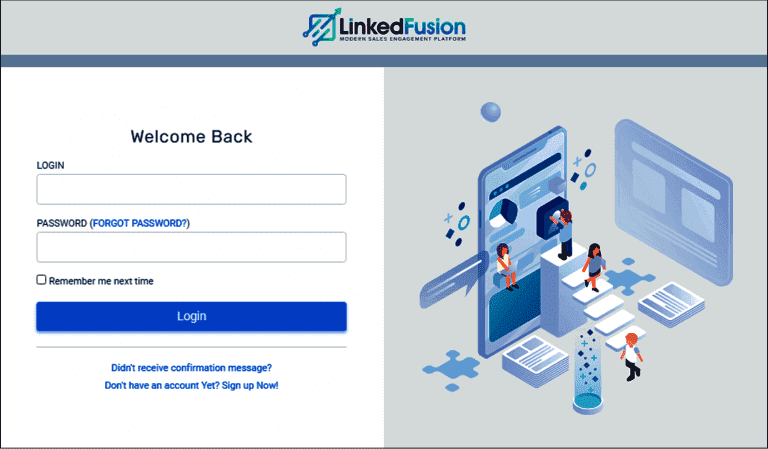
Step 1 : Sign into LinkedFusion portal
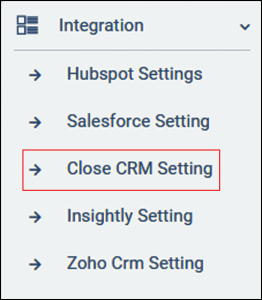
Step 2 : Go to Close CRM settings under Integrations
You’ll find Close CRM Settings on the left hand side of LinkedFusion Dashboard. LinkedFusion supports native integration with most CRMs.
Step 3 : Get API Key from your Close CRM portal
You will find API Key of Close CRM in the API keys under integration settings.
Settings ⮕API keys (under Integrations)
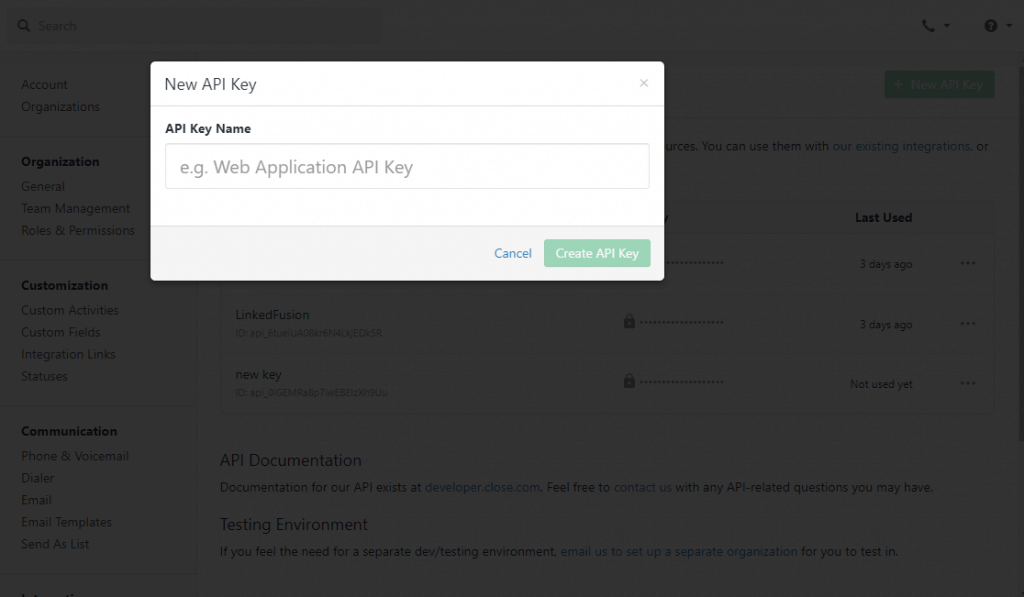
Click on Add New API key.
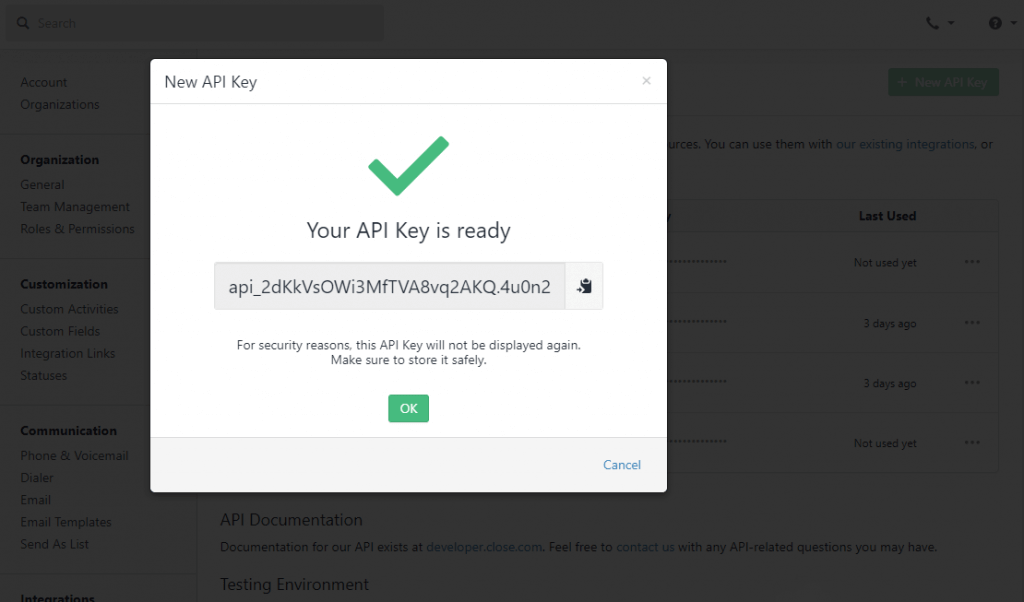
Once you name your API key (Note : only for your reference), you will now get a pop up as API key is ready (as shown).
Step 4 : Paste API key to LinkedFusion Close CRM integration Settings.
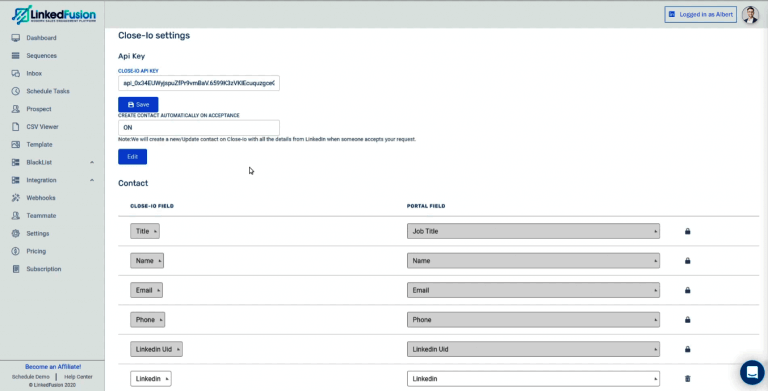
Once you paste API key, you will find LinkedFusion - Close CRM Integration Settings.
You will see other options to map your fields or properties of close CRM with the values that LinkedFusion find from your prospect’s information so you can map or add a new property by selecting on ‘Add New’ to let you add a new property and you can map an appropriate value with that field. Finally click on save and everything will be saved.
Now, you can start your LinkedFusion LinkedIn sequence, so whenever a new prospect accepts your invitation, the contacts will be automatically created inside your Close CRM.
How LinkedFusion Close CRM Integrations work ?
Whenever a new contact or a lead accepts your invitation on LinkedIn, a new contact will be created inside your close CRM automatically.
Also, whatever conversation you are having with your prospects will be synced up inside close CRM.
So this way you could keep track of the new contacts who has accepted your invites straightly go inside the Close CRM
You can even book a Support call with LinkedFusion Expert for more queries!
LinkedFusion is built to grow and improve engagements, spark real conversations, and drive more revenue. Make lead generation and sales funnel easy with LinkedFusion.